
Automation

Automate business processes.
More time for what counts.

Manual processes and recurring routine tasks cost time and money. We build workflows and process automation with Make, Zapier and custom solutions that run from day one.

What we automate

Automate business processes
with workflows for SMEs

We analyze your existing manual processes and identify where process automation has the biggest impact. Then we build it. Digitalization for SMEs that pays off in weeks.

Workflow automation

Make (formerly Integromat), Zapier, n8n: we connect your applications via interfaces and automate processes like order handling, notifications and data transfers.

Digitalization consulting for SMEs

Where do you stand digitally? We analyze your processes, identify quick wins and create a roadmap for the digitalization of your business.

Document & invoice automation

Generate and send quotes, invoices and contracts automatically, integrated into your existing system.

CRM integration

HubSpot, Pipedrive, Brevo, we integrate your CRM into your web presence and marketing tools for a seamless customer experience.

Reporting & dashboards

Data from different applications combined in one dashboard, revenue, marketing, orders at a glance.

Email automation

Welcome sequences, follow-ups, reminders, fully automatically triggered by your customers' actions.

Cloud setup & Microsoft 365

Set up Microsoft 365, organize cloud storage and configure team tools like SharePoint or Teams sensibly.

API integrations & custom development

When no-code tools are not enough, we program our own interfaces and automations, exactly to your requirements.

Practical examples

Which business processes SMEs
typically automate

From over 200 projects we know the classics. These six recurring tasks appear in almost every SME and can be handled reliably with workflows.

Quote creation and order confirmation

A customer inquiry arrives via form or email. A workflow immediately creates an entry in the CRM, generates the quote from a template and sends it as a PDF to the customer. Order confirmation, order number and entry in the order book run in the same step. Manual copying and forgetting are eliminated, the first impression looks professional.

Invoice processing and dunning

Incoming supplier invoices are read in via email or scan, automatically transferred to the accounting system and pre-coded. Outgoing invoices are created from logged hours or delivered orders and go out without an intermediate step. Open items are monitored automatically, payment reminders are sent as soon as a deadline is exceeded. Less paper, less Excel, less waiting for incoming payments.

Appointment booking and calendar sync

Customers book appointments online from your available calendar, the appointment lands immediately in Outlook or Google Calendar, a confirmation email is sent and a reminder goes out 24 hours before. For consultations, a video link is added automatically. Back-and-forth by phone to find a time becomes completely unnecessary, your calendars stay in sync across all applications.

Email routing and notifications

Incoming inquiries are routed to the right person on the team by keyword, sender or region. Important emails trigger a Slack or Teams message, so nothing gets left behind. Newsletter sign-ups are transferred to the marketing platform, complaints opened directly in the support system. Employees only see what they really need to handle.

Data transfer between systems via APIs and interfaces

Customer data from the CRM lands automatically in accounting, new orders in the inventory system, delivered orders back in the CRM for follow-up communication. Where open APIs are available, we use them directly. Where not, we build custom interfaces. Duplicate data entry and inconsistency between systems disappear.

Order processing and supplier workflows

An order in the shop triggers a chain: check stock, generate shipping label, notify the carrier, send tracking to the customer, hand the invoice to accounting. At low stock, a reorder with the supplier is triggered automatically. A manual multi-click process becomes a continuous workflow that stays stable even as you grow.

Why process automation

Stop doing things manually
that a workflow can do for you

Most SMEs burn hours per week on routine tasks that can be automated. Digitalization and efficiency in SMEs start exactly here.

Win back time

Automated workflows take over routine tasks, so you can focus on what makes your business grow.

Eliminate errors

Manual data entry equals human error. Automated processes are consistent, reliable and traceable.

Connect systems

Your CRM does not talk to your accounting? We connect your applications via clean interfaces, whether Make, Zapier or custom APIs.

What it concretely delivers

What process automation really delivers
in everyday SME life

Workflows are not an end in themselves. They take concrete work off you and your employees. Here is what changes measurably when manual processes are replaced by clean automation.

Time for the tasks that really count

In typical SMEs, recurring tasks like copying invoices, transferring data from one system to another or sending standard emails add up to 5 to 15 hours per employee per week. Well-thought-out process automation gives these hours back. Instead of administering, you can focus on customer relationships, strategy and growth. Even a single automated workflow often pays off within a few weeks.

Fewer errors through consistent processes

Manual data entry is the most common source of error in SME processes: transposed digits in invoices, forgotten attachments, wrong recipients in CC. A workflow does exactly the same thing every time, in the same order, with the same templates. Error rates typically drop from 5 to 10 percent to under 0.5 percent. This protects not only your cash flow but also how your company is perceived by customers and suppliers.

Employees are relieved, not replaced

In SMEs, automation is rarely about cutting jobs, but about relief. The monotonous routine tasks no one likes doing are taken over by the workflow. Your people get time back for the activities they were actually hired for: advising, problem-solving, customer proximity. This lifts the mood in the team and makes you more attractive as an employer in a market where qualified staff are scarce.

Scale without immediately having to create new positions

When business picks up, manual tasks grow first, not margins. Anyone who needs three extra pairs of hands from the first order increase grows expensively. With workflows that automatically process orders, invoices and customer communication, you can handle more volume with the same team. Growth stays profitable, instead of dissolving into additional administrative tasks.

How we work

Analysis before implementation

Automation without a plan wastes budget. We always start with a structured process analysis.

01

Process analysis

We look at your current processes and identify where automation brings the biggest time savings.

02

Concept & platform choice

We recommend the right platform, depending on budget, complexity and existing infrastructure.

03

Build & test

We build the automation, test it thoroughly and make sure it runs reliably.

04

Handover & support

You get a walkthrough and optional ongoing support, so the automation keeps working long-term.

Approach in detail

From process analysis
to a running workflow

This is how we decide together which solution fits your business and how we build it cleanly. Six steps, without marketing fog.

01

Identify and measure the process

Before we automate anything, we look at the manual process together. Who does what today, how often, with how much effort? We measure time wasters concretely, instead of guessing. From that comes an honest assessment: which workflows are worth automating, which are better left for now? Starting small with the process that causes the most pain almost always beats a big program.

02

Make, Zapier, n8n or a custom solution?

We recommend the platform that fits complexity and budget. Zapier is the simplest no-code solution for manageable workflows, Make is more flexible and usually cheaper from medium complexity, n8n is a good fit if you want to self-host. For special cases there is also RPA, robotic process automation. If no standard platform is enough, we program a custom solution against the APIs of your systems.

03

Check interfaces and APIs

Before we build, we clarify which APIs and interfaces the systems involved actually offer. Some CRM or accounting systems are generous, others need workarounds via webhooks or data exports. For older industry solutions we check whether direct database access or a file import makes more sense. This honest upfront clarification prevents later surprises and unrealistic expectations.

04

Build the workflow and test edge cases

We first build the workflow in a test environment, with real but isolated data. We check not only the standard cases but also the awkward ones: what happens with a faulty input, a connection drop, a duplicate notification? Only when these edge cases are handled cleanly does the workflow go live. Error monitoring and automatic alerts are built in from the start.

05

Handover and training for your team

An automation that no one on the team understands is a risk. We show you what the workflow does, where data becomes visible, how to read error messages and when to call us. On request we create short video guides and train several people, so the knowledge does not depend on one person. No one needs to be able to program, everyone should know what happens in the background.

06

Monitoring and adjustment in ongoing operation

APIs change, suppliers adjust formats, new requirements appear. To keep your workflows stable, we maintain them on request: monitoring, response to alerts, regular updates of the platform licenses, smaller adjustments when a connected system changes. Just as important: every quarter we question whether the workflow still fits the actual process or whether it needs adjusting. This keeps your process automation useful for years.

Case studies from practice

Automation that really helps in everyday work

Two recent projects and what happens in everyday work after the setup. You will find more examples under case studies.

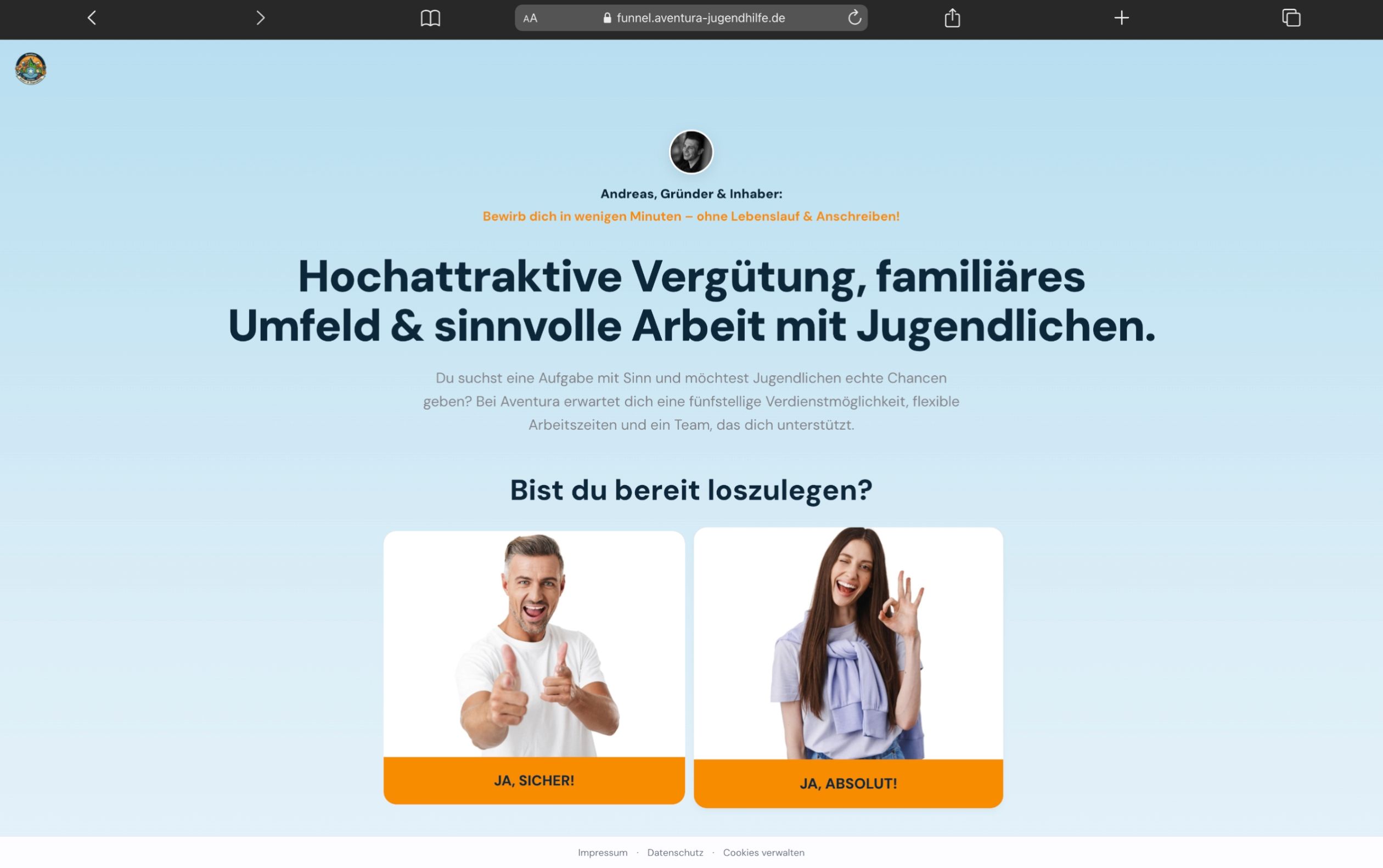
Aventura youth welfare project: automated applicant funnel
Youth welfare, recruiting

Automated applicant funnel

Aventura youth welfare is constantly looking for qualified staff. We built an automated recruiting funnel: the campaign collects applications, processes the data automatically and hands each application over to management in a structured way. No manual entry, no lost candidates.

  • Around 1,000 applications through the ongoing campaigns
  • Every application lands with management automatically and completely
  • Repeatable campaign waves instead of manual recruiting effort
„webtofly hat uns einen Recruiting-Prozess gebaut, der läuft, ohne dass wir ständig eingreifen müssen. Die Bewerbungen kommen strukturiert bei mir an, nichts geht mehr verloren. Über neun Monate konnten wir so viele qualifizierte Mitarbeiter einstellen und fünf neue Teams aufbauen. Für eine Einrichtung wie unsere, die dringend gute Leute braucht, ist das ein enormer Gewinn."
(webtofly built us a recruiting process that runs without us having to intervene all the time. The applications arrive with me in a structured way, nothing gets lost anymore. Over nine months we were able to hire many qualified staff and build five new teams. For an organization like ours that urgently needs good people, that is an enormous gain.)
Andreas Moor Aventura Kinder- und Jugendhilfe
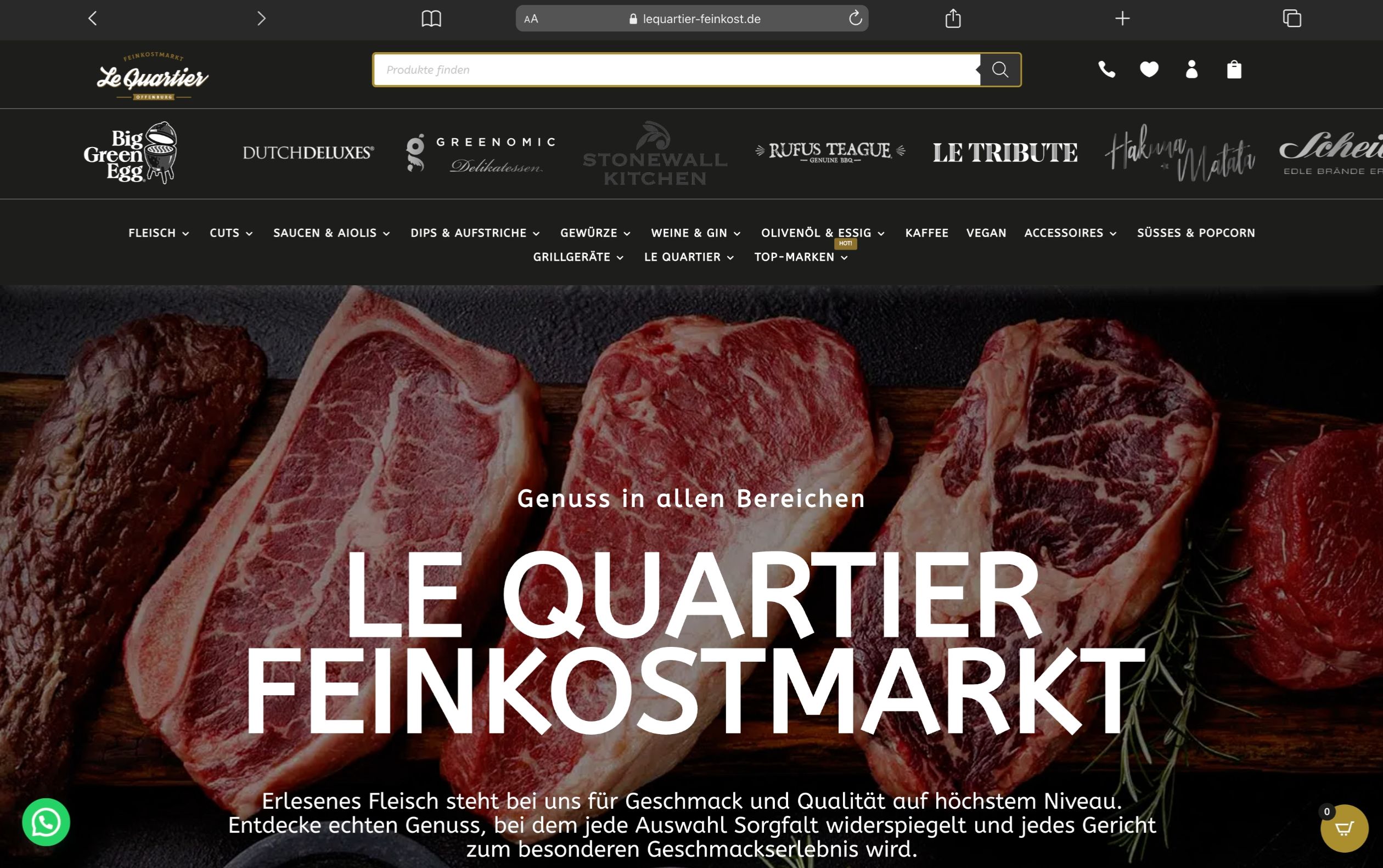
Le Quartier gourmet food project: automated shipping handling
Gourmet food, e-commerce

Shipping now runs on its own

Previously, someone had to type all the data by hand into the shipping portal for every order, address, contents, shipping method. We set it up so the order now lands at the carrier automatically. The team in the shop no longer has to retype anything.

  • The order is sent automatically to the carrier, with no retyping
  • Per order we save Le Quartier several minutes of manual work
  • No more typos in addresses or shipping data
„Wir sind mit webtofly zum ersten Mal überhaupt mit einem eigenen Onlineshop gestartet. Stefano hat uns von der Technik bis zum Versand alles abgenommen und einen Shop gebaut, der vom ersten Monat an verkauft. Die Zusammenarbeit ist unkompliziert, schnell und absolut verlässlich."
(With webtofly we started our very first online shop. Stefano took everything off our hands, from the technology to the shipping, and built a shop that sold from the first month. Working together is straightforward, fast and absolutely reliable.)
Cem Sevgili Le Quartier Feinkost
Frequently asked questions

Your questions about process automation,
answered honestly

Which processes in my business can be automated?

Basically anything repetitive: order confirmations, invoicing, lead nurturing emails, data transfers between systems (CRM to accounting), appointment booking, onboarding workflows, social media posting. In a free initial call we identify the 3 processes with the biggest impact in your business.

What is the difference between Make and Zapier?

Both are no-code automation platforms. Zapier is easier to use but more expensive at higher volumes. Make is more flexible, cheaper to run and allows more complex data structures. For most of our projects we use Make, but we always choose the tool that fits your use case and budget best.

How long does it take to set up an automation?

Simple workflows are ready in 1 to 2 weeks. Complex multi-system integrations take 4 to 8 weeks. We always deliver an MVP first (a first working version), which we then optimize together based on your feedback.

What does process automation cost?

Simple workflows start at EUR 500 to 1,500 in one-off costs. More complex integrations of several systems are EUR 2,000 to 8,000. The costs often pay off within a few months through saved working time. On top come tool license costs (Make from around EUR 9 per month).

What happens if an automation has an error?

All our workflows have built-in error monitoring with automatic alerts. You see immediately when something goes wrong, and we respond within our agreed response times. With a maintenance contract we also continuously handle updates and adjustments when external APIs or systems change.

Which business processes are even worth automating?

A rule of thumb: automating is worthwhile as soon as a process recurs regularly, follows clearly defined rules and currently causes manual routine work. If an employee does the same task more than twice a week, that is a good candidate. Automation makes little sense for processes that run differently every time or that need real human judgment. In the analysis we help you sort honestly, instead of compulsively automating every process.

Do I need technical knowledge in my team for process automation?

No. You do not need anyone who can program. We handle concept, build and operation. What matters is that someone on your side knows the process and discusses it with us: who does what today, what exceptions exist, which data may go where? After launch we show your team how to read error messages and when to call us. For independent adjustments we provide short video guides on request.

How secure is my data with Make, Zapier or n8n?

Make and Zapier are established providers with encrypted data transfer and server locations in the EU and the USA. For GDPR-compliant processing we pay attention to the right contractual basis and suitable server regions. If you process especially sensitive data or want to keep data sovereignty fully in-house, we build the automation with n8n, which you can host on your own infrastructure. We make this decision early, not afterwards.

Automate business processes

Ready to replace manual work
with workflows?

Start with a free process analysis. We show you which of your daily tasks can be automated and what it saves.